We are The Kiwi Connection, AI engineers and software engineers from the Netherlands. We have built for the web since 1996 and now work with this protocol every day. On this page we explain how it works, without jargon. You can also read what it can mean for your business.
What is the Model Context Protocol?
In short, it is a set of agreements about how an AI app and another program communicate. You can compare it to email. Because everyone follows the same agreements, every email program can send mail to every other email program. It works the same way here: one connection works in every AI app that supports the standard.
Before this standard, you needed a separate connection for every combination of AI and software. That was expensive and hard to maintain. Now you build a connection once, and it then works in several apps.
The Model Context Protocol also governs what an AI may do. The connection decides which data is available and which actions it allows. Everything outside that stays invisible to the AI.
Where does the Model Context Protocol come from?
Anthropic, the company behind Claude, introduced the protocol in November 2024. Other companies then adopted it quickly. In December 2025, Anthropic donated it to the Agentic AI Foundation, part of the Linux Foundation. Since then, the standard no longer belongs to one company but to a neutral foundation.
Anthropic, Block and OpenAI founded that foundation together, with support from Google, Microsoft, AWS and Cloudflare, among others. According to the Linux Foundation, there were already more than 10,000 published servers at the time. Moreover, Claude, ChatGPT, Gemini, Microsoft Copilot, VS Code and Cursor all support the protocol.
For you as a business owner, that is good news. Indeed, a standard under a neutral foundation does not simply disappear when one company changes course.
How it works, without jargon
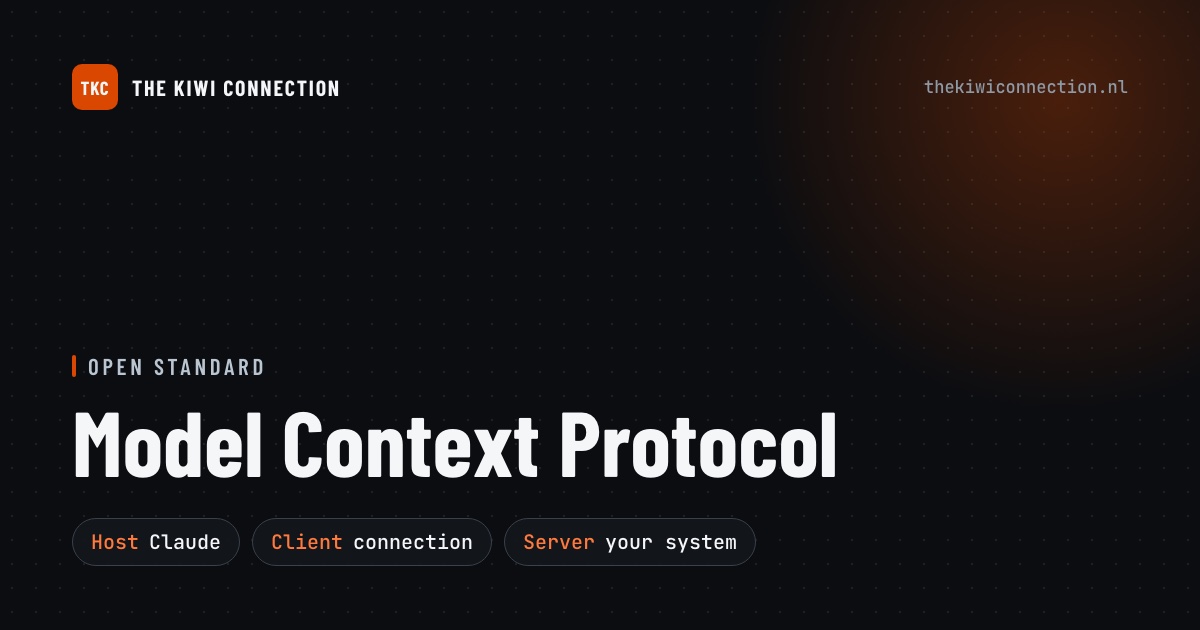
There are three roles. The host is the AI app you work in, for example Claude. The server is a small program that gives access to one system, such as your calendar or your online shop. In between sits the client, which maintains the connection on behalf of the host.
A server can then offer three kinds of things:
- Tools: actions, such as looking up an order or preparing a draft email.
- Resources: data the AI may read, such as a document or a product list.
- Prompts: fixed ways of working for a task, so the result always has the same form.
Such a server runs on your own computer or remotely, over the internet. In Claude, you see it as a connector that you switch on and off. You can read what that looks like in practice on our page about the MCP connector.
Thanks to the Model Context Protocol, the AI knows exactly which tools and data a server offers. Therefore Claude chooses the right action for your question itself, while you set the limits.
What the Model Context Protocol brings you as a business owner
For a freelancer, it is all about time. Every time you copy data from one program to another, you lose minutes. With the right connections, the AI does that work, while you check. Consider, for example, these tasks:
- An overview of open quotes, straight from your own package.
- Preparing a meeting based on your calendar and earlier emails.
- Answers to customer questions, with the current order status from your online shop.
- A monthly report on your website, with figures from your own sources.
In addition, you are not tied to one supplier. Because it is an open standard, you can later use a connection in another AI app too.
Our advice: start with one task you see every week. If that connection works well, the next one follows. That way, you learn along the way what AI can do for you.
What to watch out for
A connection gives an AI access to real data. That calls for care, so pay particular attention to these points:
- Only choose servers from sources you trust.
- Give read access first, and write access only per task.
- Stay alert to hidden instructions in documents or emails that the AI reads.
- Let a person check every action before it becomes final.
We set up every connection according to these rules. Furthermore, we sign a data processing agreement and work under the GDPR.
The Model Context Protocol itself handles the connection, but not whether a server is trustworthy. That choice therefore stays with you, or with the party that sets up the connection for you.
Frequently asked questions
Is the Model Context Protocol free?
Yes, the protocol itself is open and free to use. At most, you pay for the AI app, or for building a custom connection.
Do I need to know how to code to use MCP?
No, not for existing connections. You switch those on in Claude with a few clicks. If you have your own system, we build a custom MCP server.
Which AI apps support MCP?
Among others, Claude, ChatGPT, Gemini, Microsoft Copilot, VS Code and Cursor. We work with Anthropic Claude ourselves, so that is what we set the connections up for.
What is the difference between MCP and an ordinary API?
An API is the front door of one specific program. The protocol, in contrast, defines how an AI talks to all those doors. That is why an MCP server often simply uses your package’s API behind the scenes.
What is the difference between the protocol and an MCP connector?
The protocol is the agreement, whereas the connector is the connection you switch on in Claude. So you use connectors that follow the protocol.
Model Context Protocol: the conclusion
The Model Context Protocol turns AI into a colleague that works with your own programs. Because it is an open standard, you do not invest in one supplier. However, the value lies in a safe setup with clear limits. Do you want to know which connection saves you the most time? Then book a free AI scan through our contact page. We reply within 24 hours.